Create Combine
Description
A Combined rule allows users to assign multiple rules to be effective simultaneously. A Combined rule will indicate an overflow if at least one of the contained rules is in an overflow state.
Steps to Create Rule
-
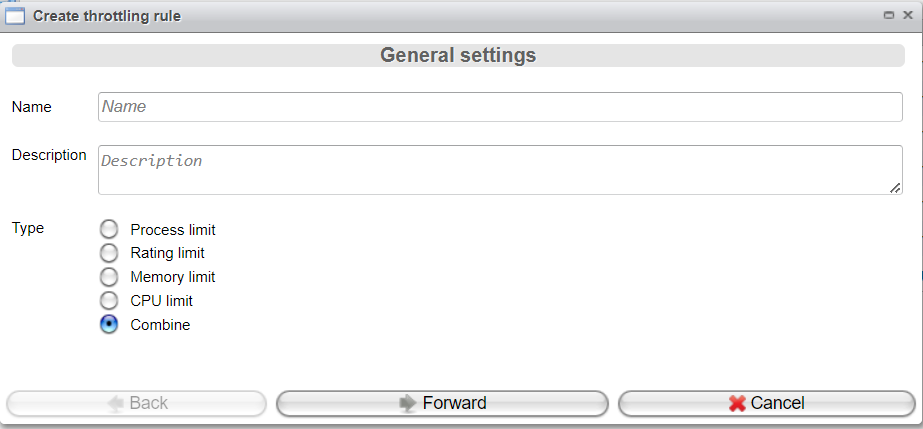
Click the Create rule button in the Throttling Rules tab of the Throttling view.
-
To create a Combine rule, configure the following parameters:
- Enter the rule's Name.
- Enter a Description.
- Choose the Type
Combine.
Now, click Forward to save the rule.
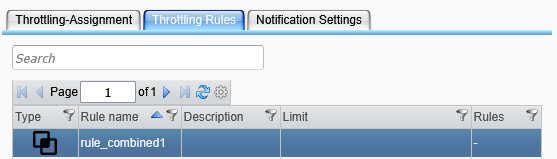
-
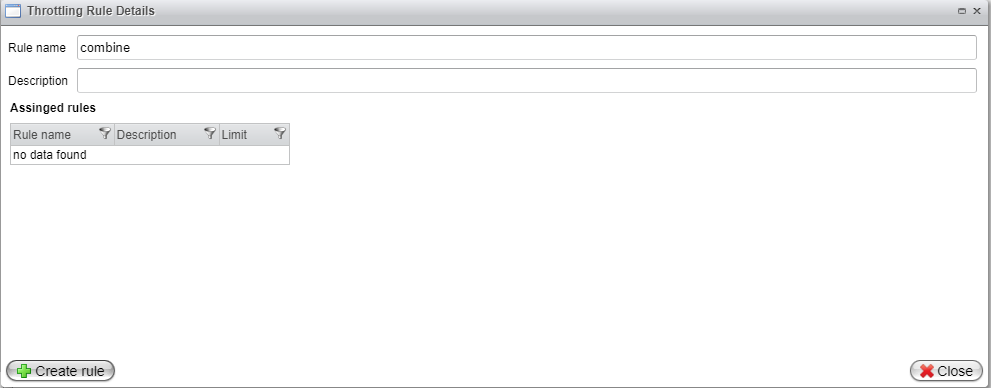
Edit the combined rule you just created by double-clicking on it in the Rules table. The Throttling Rule Details dialog will open.
-
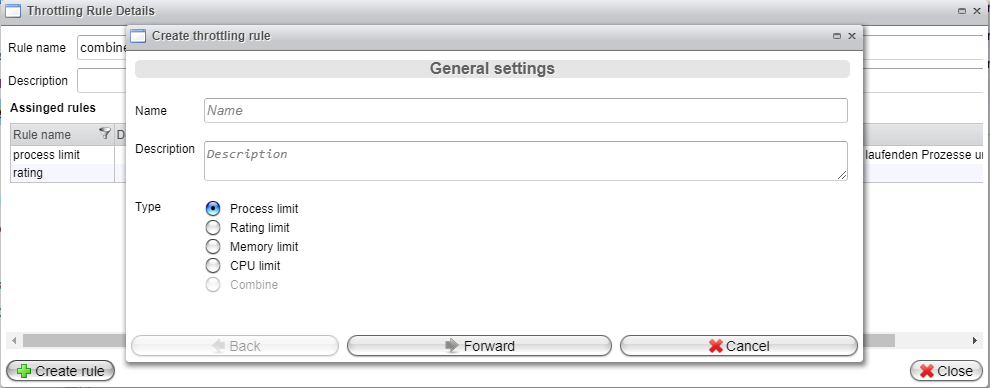
Explicitly add "simple" rules here that will serve as components of the combined rule. Use the Create rule button to define the rules to be combined.
The rule creation wizard will open and guide you similarly to how it is described for the various rule types in the previous chapters:
-
After creating all the rules to be included in your combined rule, click the Close button to exit the Throttling Rule Details dialog.
The following four types of rules may be created in a combined rule: